![multibookロゴ.png]](https://faq.multibook.jp/hs-fs/hubfs/multibook%E3%83%AD%E3%82%B4.png?height=40&name=multibook%E3%83%AD%E3%82%B4.png)
This function allows you to upload purchase order documents from an Excel file at once.
A particular form needs to be used for this upload.
1. From https://help.multibook.jp/manual/manual_en.html?v=2024-12-13
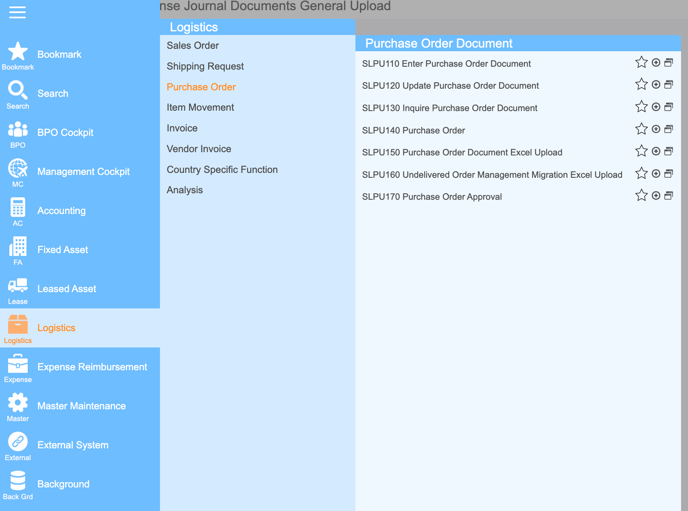
2. Search for SLPU150 Purchase Order Document Excel Upload
3. Click : Upload Form

※ Approved documents cannot be modified.
SLPU150 Purchase Order Document Excel Upload
1. Operation
Create an upload file with the purchase order information.
<Please create it in Excel file format.>
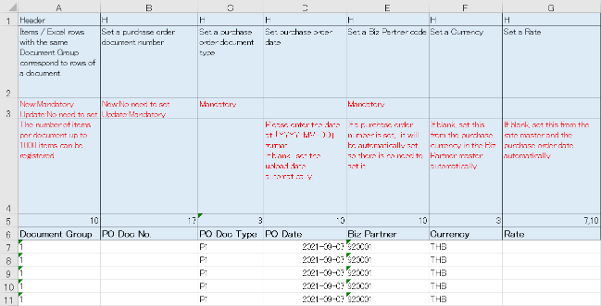
- Upload the file. (Refer to the following)
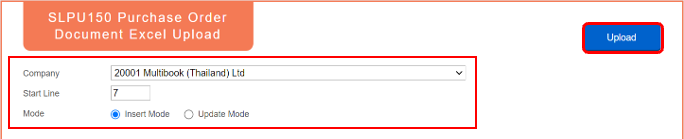
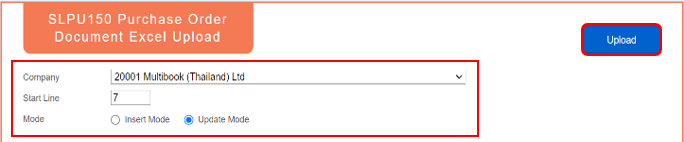
- Select the company, the start line (specify the line from which the upload information is set on the created file above), the mode, and click Upload button.

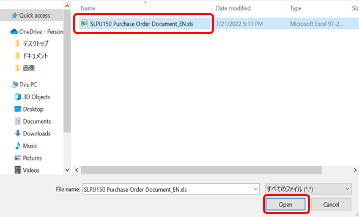
- Select the file you want to upload.
- Check the execution result.
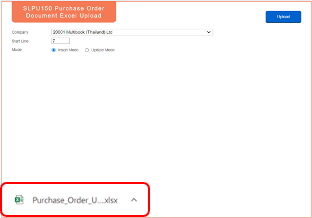
- When the import is completed, the execution result file will be generated.
- If there are no error, the PO Doc No. and PO Row No. will be set to the Doc No. Result.

- If there is an error, the PO Doc No. and PO Row No. are not set, and the error content is displayed in the error message field.
- If there is even one error, all document will not be registered

- If you want to modify an existing purchase order, create an upload file.
- Select the company, the start line (specify the line from which the upload information is set on the created file above), the mode, and click Upload button.
END